
Website Health Evaluation Tips: How to Evaluate Your Website's Health Online

Your website is like a digital storefront. If it’s cluttered, slow, or hard to navigate, visitors won’t stick around. But how do you know if your site is in tip-top shape? That’s where website health evaluation tips come in handy. I’m here to walk you through how to check your website’s health online, spot issues, and fix them before they hurt your business.
Let’s dive in and make sure your website feels authentic, modern, and ready to impress.
Why Website Health Evaluation Tips Matter
Think of your website as a car. You wouldn’t drive it for years without checking the oil, brakes, or tyres, right? The same goes for your website. Regular health checks help you:
Improve user experience – Fast, easy-to-use sites keep visitors happy.
Boost search rankings – Google loves healthy websites.
Increase conversions – A smooth site turns visitors into customers.
Protect your brand – Avoid broken links and outdated info that can hurt your reputation.
Ignoring your website’s health is like ignoring a warning light on your dashboard. It might seem fine now, but problems can pile up fast.
Essential Website Health Evaluation Tips You Can Use Today
Ready to get hands-on? Here are some practical tips to evaluate your website’s health:
1. Check Your Website Speed
Speed is king. If your site takes more than 3 seconds to load, visitors start clicking away. Use tools like Google PageSpeed Insights or GTmetrix to test your load times. They’ll give you a score and specific fixes, like:
Compressing images
Minimising CSS and JavaScript files
Using browser caching
Even small tweaks can shave seconds off your load time.
2. Test Mobile Responsiveness
More than half of web traffic comes from mobile devices. If your site looks wonky or is hard to navigate on a phone, you’re losing potential customers. Use Google’s Mobile-Friendly Test to see how your site performs on mobile.
Make sure buttons are easy to tap, text is readable without zooming, and images scale properly.
3. Scan for Broken Links and Errors
Broken links are like potholes on your website’s road. They frustrate visitors and hurt SEO. Tools like Broken Link Checker or Screaming Frog can crawl your site and find dead links or missing pages.
Fix or remove broken links promptly to keep your site smooth and trustworthy.
4. Review Your SEO Basics
SEO isn’t just for experts. You can check if your pages have:
Clear, descriptive titles
Meta descriptions that invite clicks
Proper use of headings (H1, H2, etc.)
Alt text on images for accessibility and SEO
These basics help search engines understand your content and rank you better.
5. Analyse Your Website Security
Security is more important than ever. Visitors want to know their data is safe. Check if your site uses HTTPS – that little padlock in the address bar. If not, get an SSL certificate installed.
Also, keep your website software, plugins, and themes updated to avoid vulnerabilities.
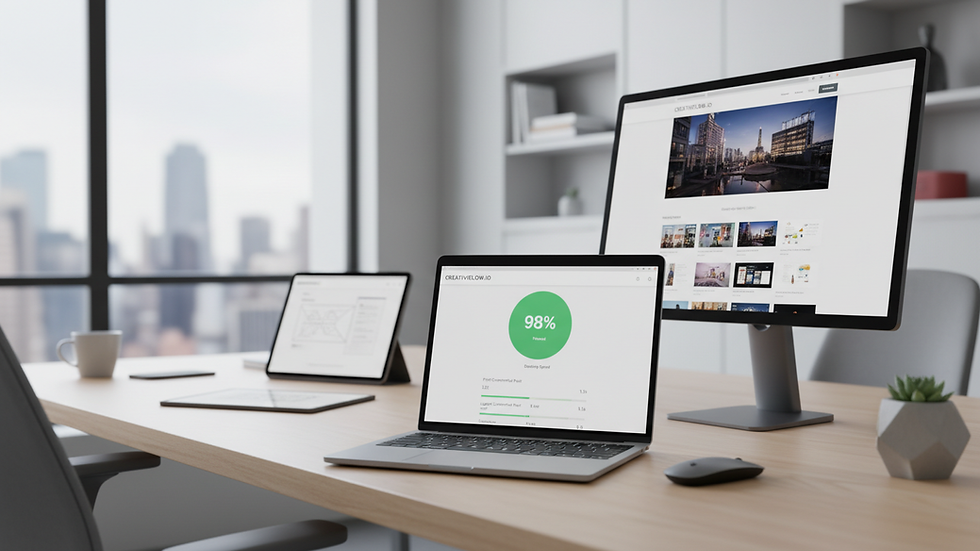
How to Use an Online Website Health Check Effectively
You might be wondering, “Is there a one-stop tool to check all this?” Well, yes! An online website health check can give you a comprehensive overview of your site’s performance, SEO, security, and more.
Here’s how to make the most of it:
Run the check regularly – Monthly or quarterly checks catch issues early.
Review the detailed report – Don’t just glance at scores; read the recommendations.
Prioritise fixes – Start with critical issues like security and broken links.
Track improvements – Use the tool again after fixes to see progress.
Using an online website health check is like having a mechanic inspect your car regularly – it keeps things running smoothly.
Common Website Health Issues and How to Fix Them
Even with the best intentions, websites can develop problems. Here are some common issues and quick fixes:
Slow Loading Times
Optimise images by compressing them without losing quality.
Use a Content Delivery Network (CDN) to serve content faster worldwide.
Minimise the use of heavy plugins or scripts.
Poor Mobile Experience
Switch to a responsive website design.
Increase font sizes and button spacing.
Avoid pop-ups that cover the entire screen on mobile.
Outdated Content or Design
Regularly update your blog or news section.
Refresh your homepage with current offers or testimonials.
Use modern fonts and clean layouts to keep your site looking fresh.
Security Vulnerabilities
Install security plugins or firewalls.
Use strong passwords and two-factor authentication.
Backup your website regularly.

Keeping Your Website Healthy Is an Ongoing Journey
Websites aren’t “set and forget” projects. They need ongoing care, just like your business. By following these website health evaluation tips, you’ll keep your site running smoothly, look professional, and attract more visitors.
Remember, a healthy website is a happy website. And a happy website means happy customers.
So, why not start today? Run an online website health check, fix what needs fixing, and watch your digital presence thrive. Your website deserves it!


